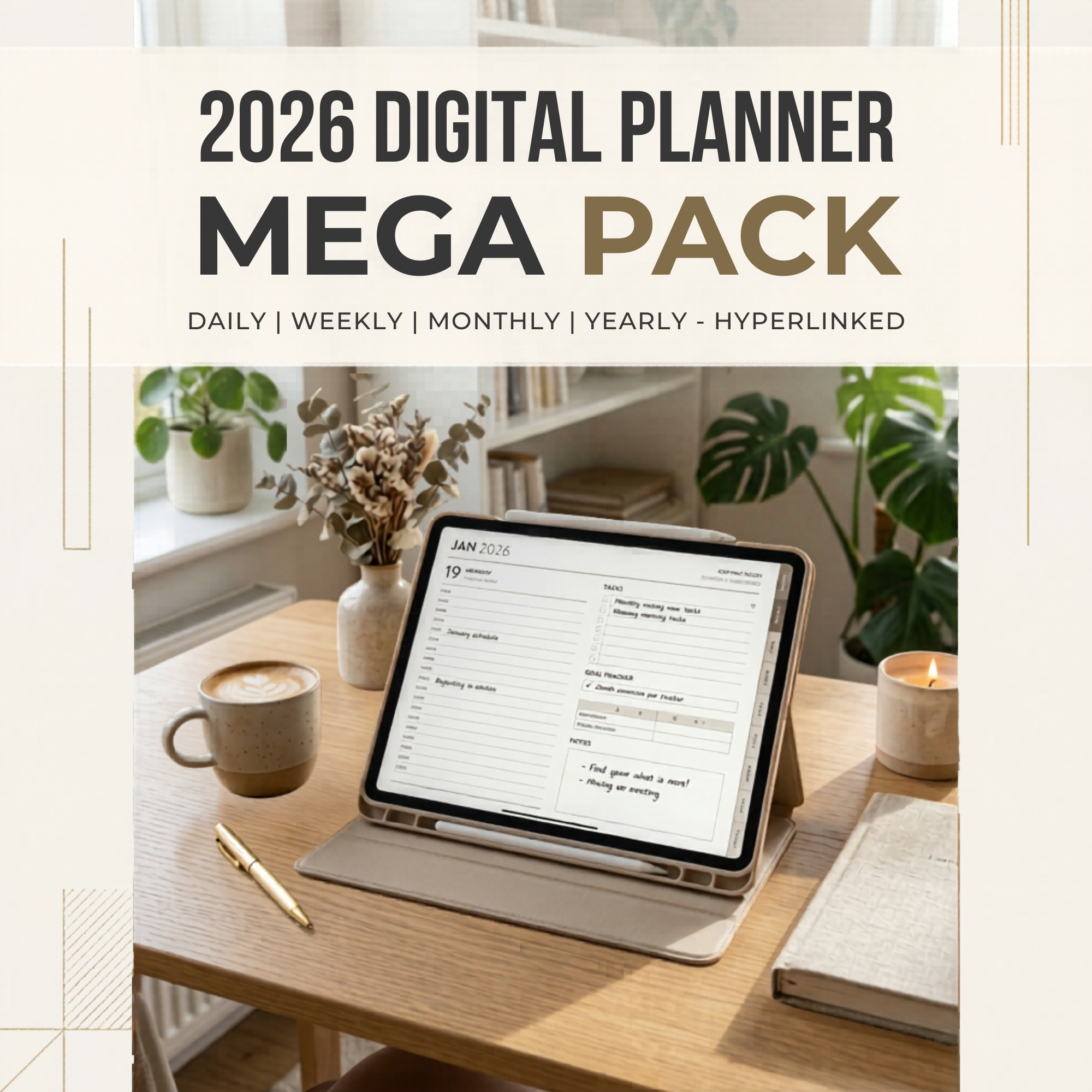
▶ Video preview
Canva Templates & Planners
27 Done-for-You Digital Planners
27 fully editable planners across 10+ niches, from business and budget to teacher, travel and wellness. Customize in Canva, use them yourself or sell them under your own brand.
- ✔ Digital download — no physical item shipped
- ✔ Files available immediately after payment
27 ready-made digital planners. Customize them, brand them, sell them.
The Digital Planner Mega Pack gives you 27 fully editable planners with 1,800+ pages in total, covering 10+ popular niches. Open them in Canva (a free account works), add your logo, change colors and fonts, and start using or selling them right away.
What you get
- 27 fully editable Canva planners, 1,800+ pages in total
- Full PLR + MRR resell rights
- 10+ in-demand niches
- Instant PDF download that contains your Canva template links
- Works with a free Canva account
All 27 planners included
- Productivity & Business: Social Media Marketing, Business, Girl Boss, Monthly, 365-Day, Craft Business
- Education & Family: Teacher, Homeschool, Ultimate Mum
- Lifestyle: That Girl, Travel, Wedding, Meal Prep, Fitness
- Health & Wellness: Medical, Financial, Budget, Savings Challenge
- Mindset & Self-Care: Self-Help, Self-Care, Mental Health, Anxiety, ADHD
- Journaling & Spirituality: Gratitude Journal, Manifestation, Prayer, Digital Reading
Your rights
- Sell these planners as your own digital products on Etsy, Gumroad, Payhip or your own website
- Add your logo and rebrand fully in Canva
- Bundle them with other products or sell them individually
- Keep 100% of your profits
- Use them for your own planning and organization
- Not allowed: sharing the raw Canva source files, or giving them away for free without adding value
How it works
- Purchase and download your PDF instantly
- Click the Canva links inside the PDF
- Duplicate the planners into your own Canva account
- Customize, export as PDF and use or sell
Perfect for
Digital product sellers, coaches and course creators adding planner bonuses, teachers and homeschool parents, entrepreneurs building a digital shop, and anyone who wants 27 well-designed planners for personal use.
Common questions
- Do I need Canva Pro? No. A free Canva account is enough to open, edit and export all 27 planners.
- Can I use them in GoodNotes or Notability? Yes. Export from Canva as PDF and import it into GoodNotes, Notability or any PDF annotation app.
- How much should I customize before reselling? At minimum, add your own logo and change the colors. The more you personalize, the more unique your product.
- Can I use them just for myself? Yes, they work well for personal planning, budgeting, journaling and more.
You may also like
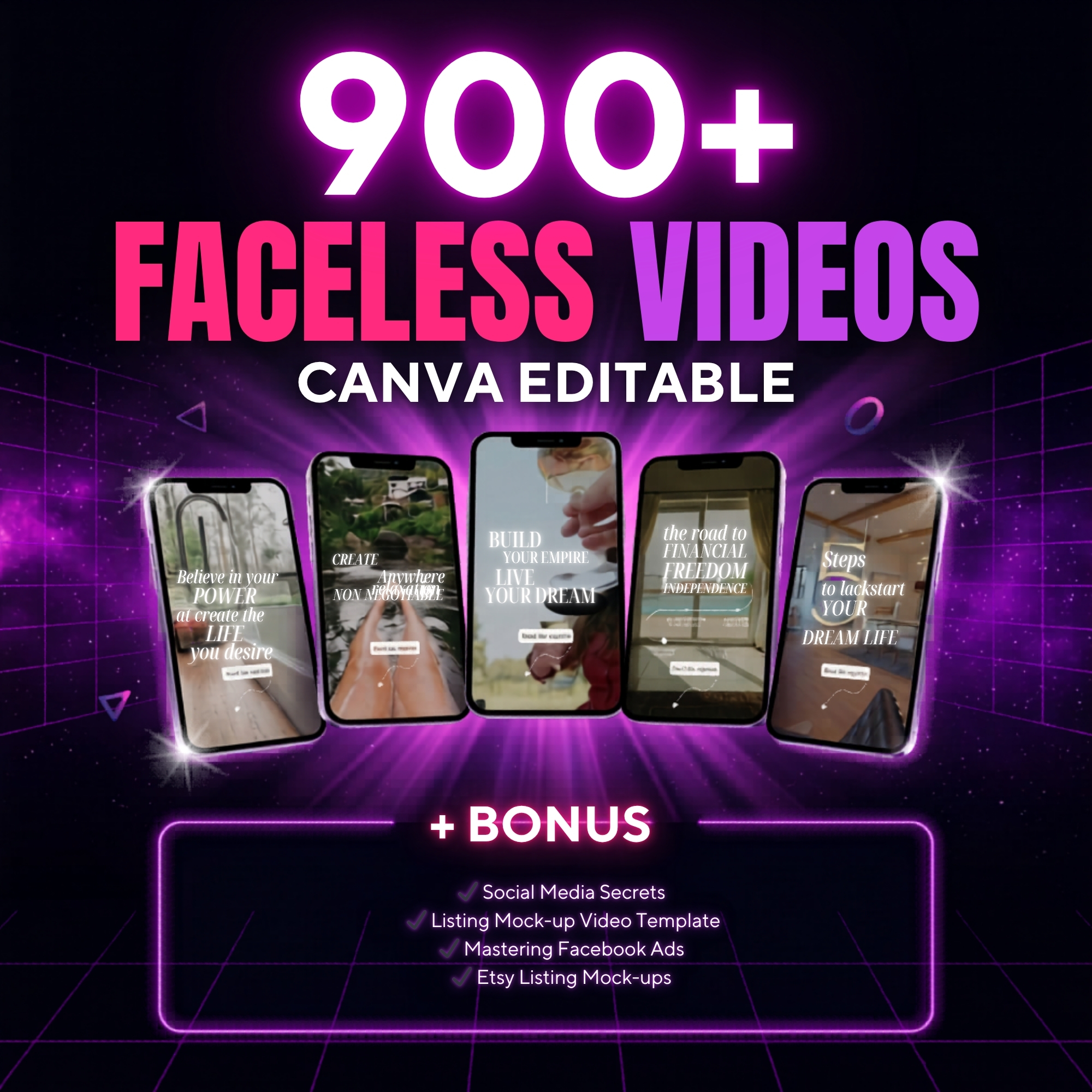 -50%▶ Preview
Canva Templates & Planners
900+ Faceless Video Templates
 -50%▶ Preview
Canva Templates & Planners
11,000+ DIY Craft Reels Bundle
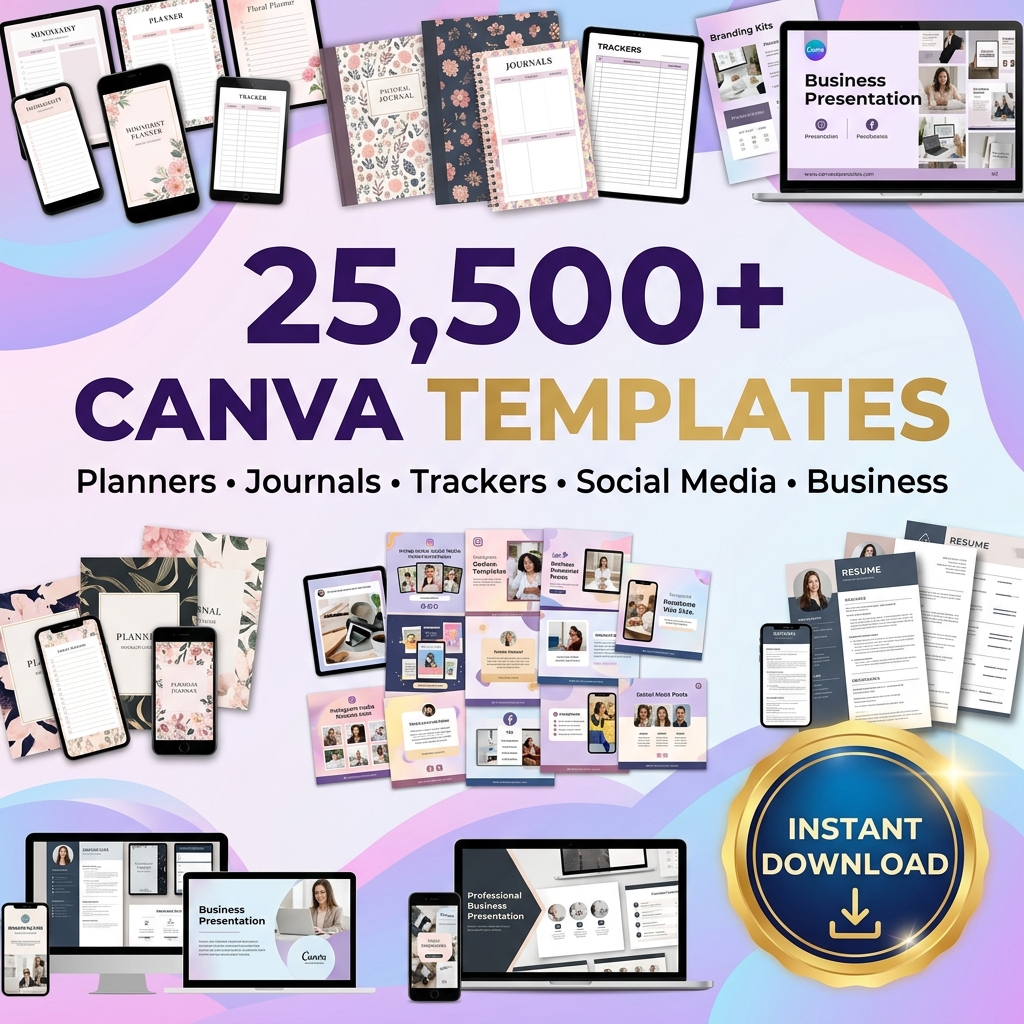 -50%▶ Preview
Canva Templates & Planners
25,500+ Editable Canva Templates Bundle
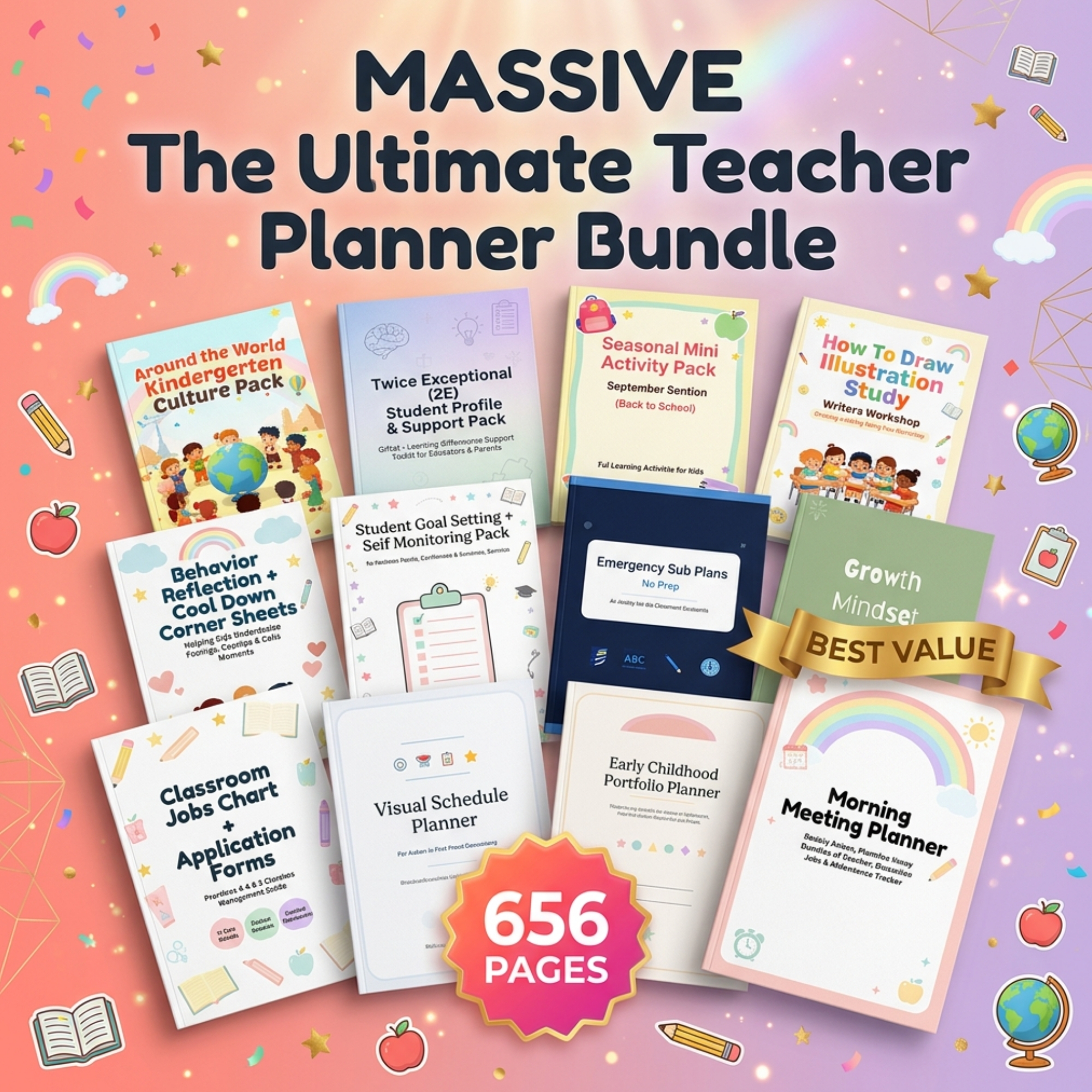 -50%▶ Preview
Canva Templates & Planners